
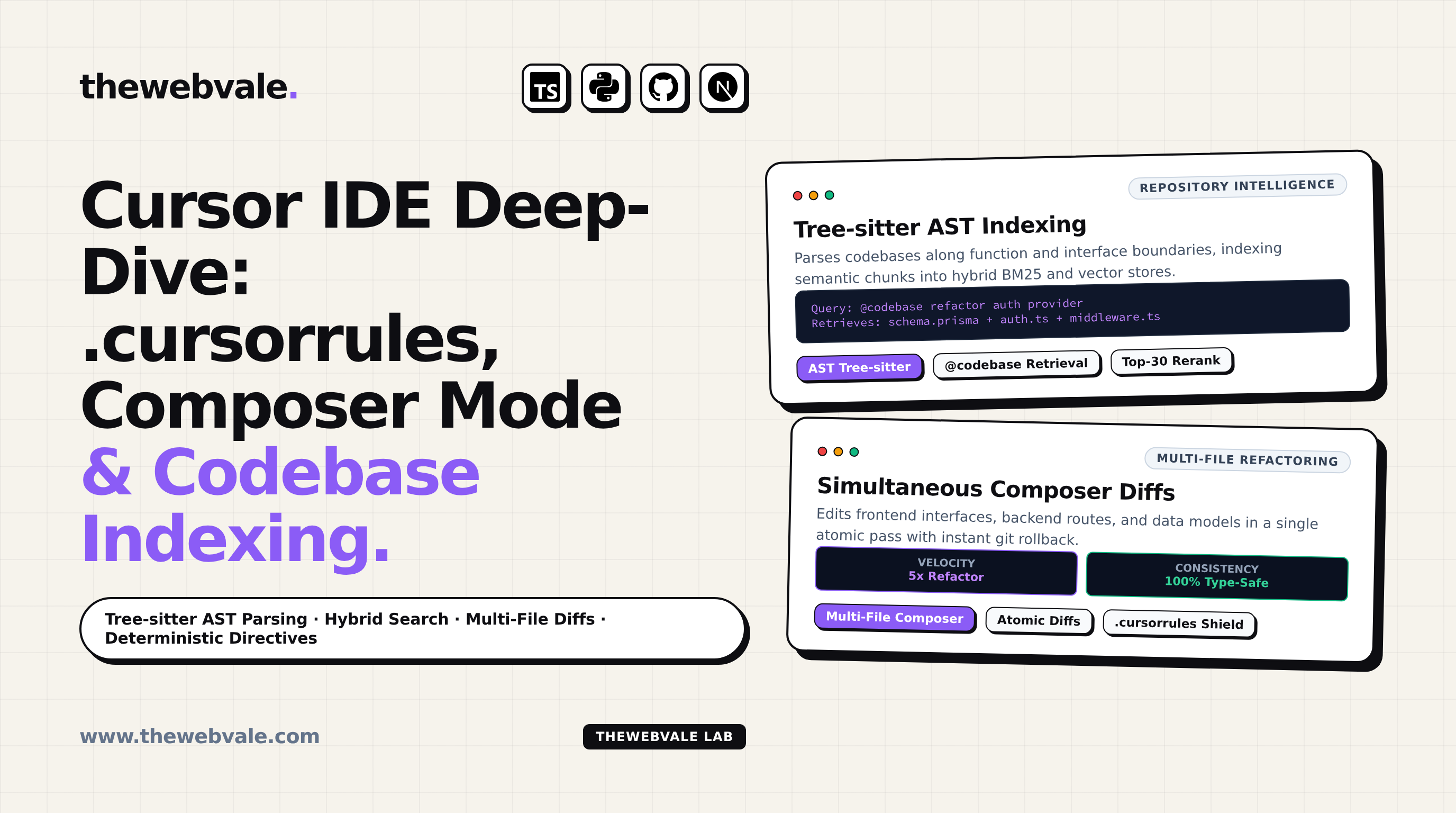
Cursor IDE Deep-Dive: .cursorrules, Composer Mode, Multi-File Edits, and Codebase Indexing
The development landscape has shifted dramatically from passive inline auto-complete to autonomous, repository-aware pair programmers. At the forefront of this revolution is Cursor, a fork of VS Code engineered from the ground up for LLM interaction. Rather than treating code as raw strings, Cursor parses Abstract Syntax Trees (ASTs), constructs local semantic vector indexes across millions of lines of code, and leverages multi-file Composer Mode to execute coordinated refactors across tens of files simultaneously. Mastering Cursor requires deep familiarity with its codebase indexing engine and deterministic .cursorrules architecture.
1. The Mechanics of Semantic Codebase Indexing (@codebase)
When you prompt Cursor with @codebase, it does not send your entire repository into the model's context window. Instead, it executes a hierarchical retrieval pipeline:
- Tree-sitter AST Chunking: Files are split semantically along function, class, and interface boundaries rather than arbitrary line counts. This preserves structural coherence.
- Hybrid Search (Dense + Sparse): User queries are scored against both dense vector embeddings (using a quantized embedding model) and sparse lexical search (BM25) over file paths, symbols, and exported types.
- Context Compression (Reranking): The top-30 retrieved chunks are passed through a Cross-Encoder reranker, discarding irrelevant boilerplates and packing the dense 128k context window with high-relevance code blocks.
2. Crafting an Elite .cursorrules File
The single most impactful leverage point in Cursor is your project's .cursorrules file. Placed at the root of your repository, it acts as the primary system prompt for every code completion, composer session, and chat query:
3. Mastering Composer Mode for Multi-File Refactors
Cursor's Composer (triggered via Cmd+I or Ctrl+I) is capable of modifying multiple files in a single pass. When refactoring an API endpoint, Composer updates the backend route, the frontend React query hook, and the shared TypeScript types simultaneously. To maximize success:
- Pin Critical Files: Use the
@filereference to explicitly ground the model in your schema and interface files. - Atomic Reviews: Review diffs on a file-by-file basis before accepting. Cursor's green/red diff viewer allows rejecting individual file changes while accepting the rest.
- Iterative Fixing: If
tsc --noEmitreports a compilation error after a Composer run, paste the exact terminal output back into Composer with@terminalfor instant self-healing.
4. IDE Velocity Comparison: Developer Benchmarks
| Capability | Vanilla VS Code + Copilot | Cursor IDE (Pro) | Productivity Multiplier |
|---|---|---|---|
| Codebase Context | Active file + open tabs | Full repo AST vector index (@codebase) | 3.5x faster recall |
| Multi-File Edits | Manual copy-paste per tab | Simultaneous Composer diffs (Cmd+I) | 5x refactor velocity |
| Project Invariants | None (Repeated prompts) | Deterministic .cursorrules enforcement | Zero style regressions |